The Best Fluffy Pancakes recipe you will fall in love with. Full of tips and tricks to help you make the best pancakes.
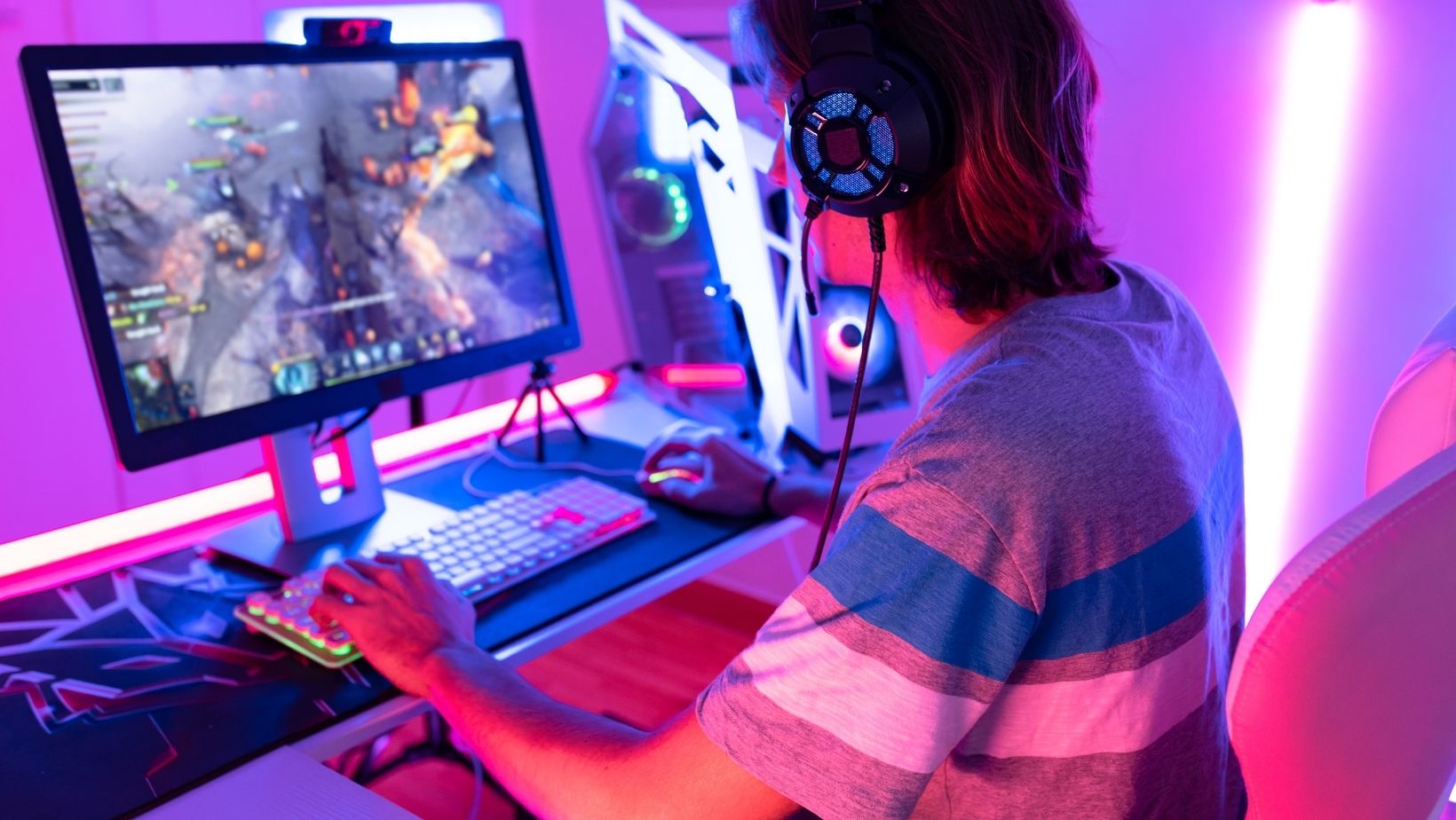
Gamers and Content Creators Are Using AI Image Tools Differently Than You’d Expect
If you spend any time in gaming communities online, you’ve probably noticed that the bar for visual content has gone up significantly in the last couple of years. Thumbnails look more polished. Channel art is more cohesive. The screenshots people share have clearly had some work done on them — not heavy editing, just enough to make them feel intentional rather than accidental.
A lot of that shift is coming from AI image tools, and specifically from one feature that’s become surprisingly popular among gaming content creators: the ability to expand and extend photos and screenshots beyond their original frame.
Why Gaming Visuals Have a Size Problem
Anyone who creates gaming content runs into the same set of frustrations. You capture a perfect screenshot mid-game — the lighting is dramatic, the action is exactly right — but the resolution is fixed to your screen settings, and it doesn’t fit the 2560×1440 banner you need for your YouTube channel. Or you have a great photo from a gaming event or a team photo, but it’s portrait orientation and you need landscape.
The traditional options aren’t great: crop and lose content, upscale and lose quality, or spend time in Photoshop manually extending the background. That last option is fine if you have design skills and time, but most gaming content creators are trying to spend their time playing and creating video, not doing image editing.
AI photo extension changes this dynamic completely. Instead of compromising, you expand.
What AI Image Extension Actually Does
Rather than simply stretching or mirroring edges, a modern AI photo extender synthesizes new content beyond the original border. If you have a screenshot of a game environment and you extend it to the left, the AI generates more of that environment — consistent lighting, matching textures, plausible details — rather than just repeating what’s at the edge.
The results vary by scene type. For environment shots with consistent textures (sky, water, grass, architecture), the extension is typically seamless. For more complex scenes with specific characters or objects at the edges, it requires more care. But for creating channel art, thumbnails with more breathing room, or simply making a great screenshot work in a non-native format, the technology is genuinely impressive.
Picsart’s photo extender is one of the more accessible tools for this — the interface is straightforward enough that you don’t need to be a design professional to get usable results quickly. For gaming content creators who are producing a lot of visual assets on tight timelines, “fast and good enough” is often exactly what’s needed.
The Streaming Context: Overlays, Alerts, and Scene Art
Beyond screenshots, the streaming side of gaming content creation has its own specific needs that AI image extension addresses. Stream overlays and scene backgrounds need to fill very specific dimensions — typically 1920×1080 or higher — and source material doesn’t always cooperate.
If you’re using a custom background for your gaming stream, or creating scene art that reflects your channel’s visual identity, AI extension gives you the flexibility to work with images that don’t quite fit, rather than hunting for ones that do. Shoot a photo of your gaming setup that’s slightly too narrow for your overlay template? Extend it. Find a great atmospheric background image that’s portrait format? Extend it to landscape.
This flexibility is worth more than it might seem. Visual consistency across a stream — where backgrounds, overlays, and camera frames all feel like they belong together — makes a real difference in how professional the output looks.
Event Coverage and Team Content
For people covering gaming events, tournaments, or league play, photo sizing is a constant headache. Event photos get taken in whatever conditions are available — often portrait, often wide-angle with awkward framing — and then need to be adapted for multiple output formats: website banners, social posts, recap articles, thumbnail art.
AI image extension is a practical solution to this. Extend the photo to fit the format rather than compromising the format to fit the photo. For teams and organizations producing regular content around match days and tournaments, this reduces the friction in the post-production workflow meaningfully.
Prompt Awareness and Why It Matters
Most AI image extension tools allow or require some form of text input — describing what’s in the image or what you want the AI to generate in the extended area. Getting good results consistently means understanding how to write these prompts effectively.
This is a skill worth building. If you’re creating visual content regularly with AI tools — whether for gaming or anything else — learning how prompts work will improve your results across the board. A solid starting point is this guide on writing better AI prompts, which breaks down the mechanics without getting overly technical.
For image extension specifically: the more specific you are about what exists in the original scene, the better the AI can extrapolate. “Extend to the right — the scene is a dark fantasy dungeon with stone walls and torch lighting” will produce better results than just submitting the image without any context.
The Competitive Advantage Is Real
Gaming content is competitive. There are a lot of people creating, and attention is genuinely scarce. Visual quality is one of the factors that determines whether someone sticks around on your channel, clicks your thumbnail, or scrolls past.
You don’t need to be a professional designer to produce visually polished content. AI image tools — and image extension specifically — close the gap between “I know what I want” and “I can actually produce it” for creators without extensive design backgrounds.
The channels and creators who figure out how to integrate these tools into their workflows now are building a visual quality advantage that compounds over time. The content library starts to look more cohesive, thumbnails become more consistent, and the overall presentation starts to reflect the effort and quality that actually goes into the games and commentary underneath it.
A Practical Starting Point
If you want to experiment, start with one specific use case: take a screenshot or photo that you’ve always wished were wider or taller, and try extending it to fit a format you actually need. Thumbnail size. Banner dimensions. Whatever’s been a friction point in your workflow.
See how the result compares to what you’d have done by cropping or stretching. The difference is usually enough to make the case for adding AI extension to your regular toolkit.
Gaming content is a visual medium. The images you put out there are a direct representation of the care you put into everything else. Tools that make those images better with less effort are worth knowing about.


